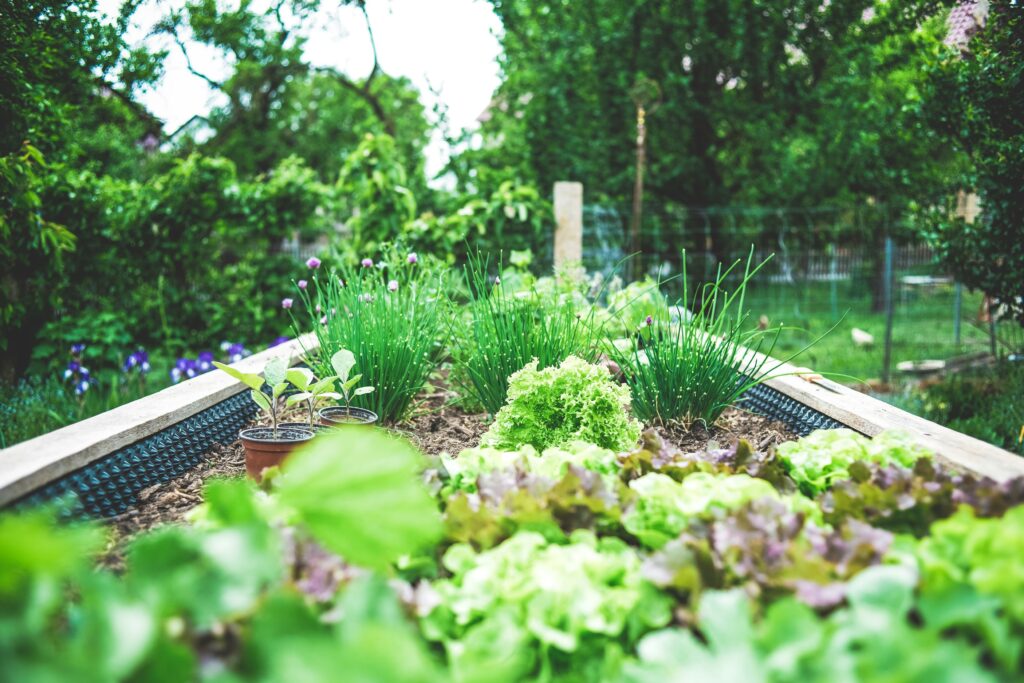
Growing your own food can feel like a big job. But you do not need a farm, a lot of money, or years of experience to get started. All you need is a sunny spot, a little soil, and a few seeds. Whether you have a backyard, a small patio, or a sunny windowsill, you can grow fresh food the organic way.
What Organic Gardening Means
Organic gardening means working with nature instead of against it. Organic gardeners feed the soil with compost, protect their plants with natural methods, and care for the land that helps their food grow. These are the same ideas organic farmers follow on certified organic farms. Home gardens are not certified, but you can use these practices in your own space.
Start with a Sunny Spot
Most vegetables and herbs need about six to eight hours of sun per day. Take a day to watch your yard or patio and notice where the sunlight lands. Leafy greens like lettuce and spinach can handle a little less sun, so they are a good choice for partly shaded spots.
Start Small
It is tempting to plant everything at once, but a small garden is easier to care for and more fun. A few pots or one small bed, about four feet by four feet, is plenty for your first season. You can always add more once you feel comfortable.
Build Healthy Soil
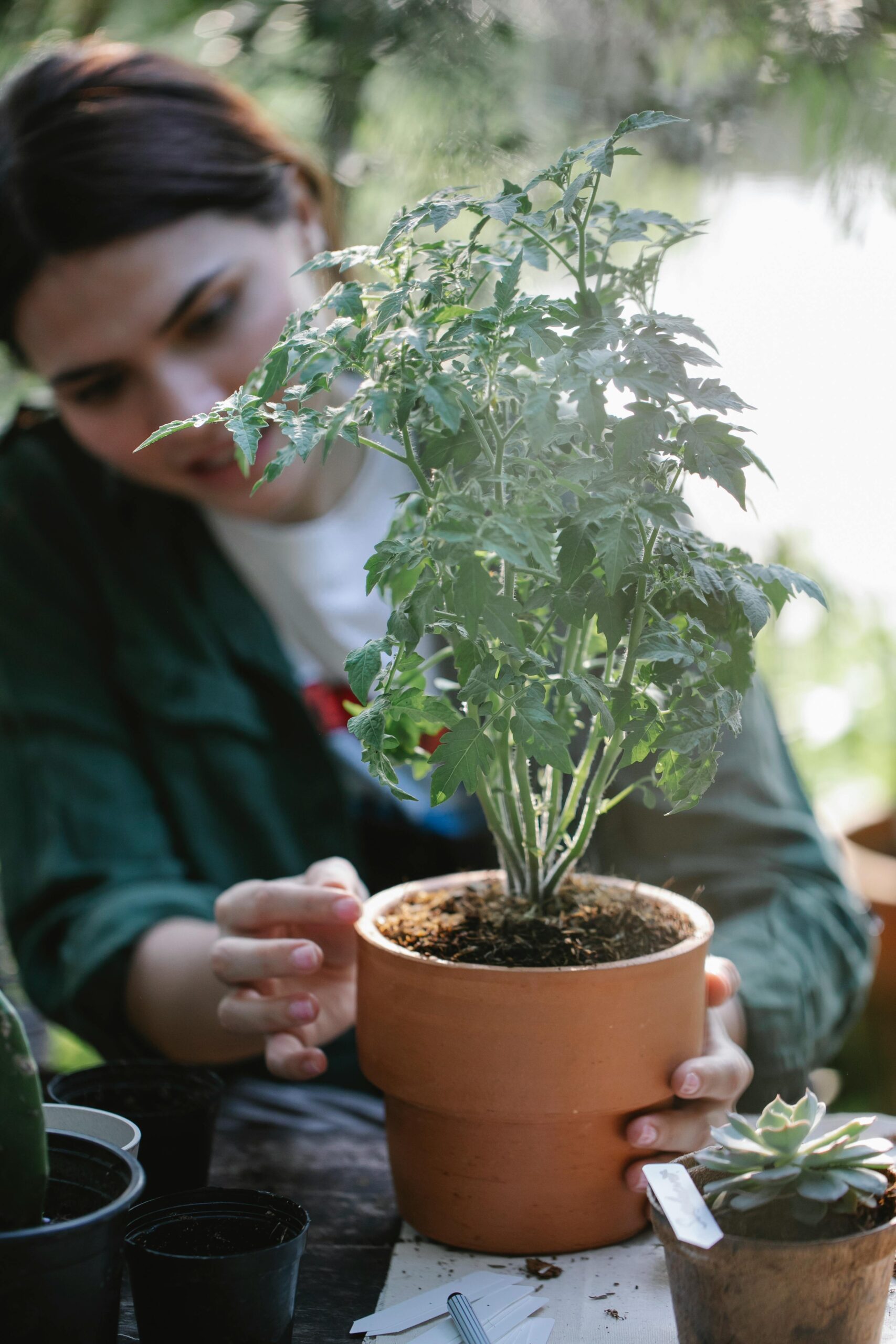
Healthy soil is the heart of an organic garden. The easiest way to feed it is with compost, which is made from broken-down plant material. You can buy compost at a garden store, or make your own from fruit and vegetable scraps, coffee grounds, eggshells, and dry leaves. Making compost saves money and keeps food scraps out of the trash.
If you are growing in containers, choose a potting mix approved for organic use and make sure each container has drainage holes. Buckets and large cans work well if you poke holes in the bottom.
Choose Easy Plants
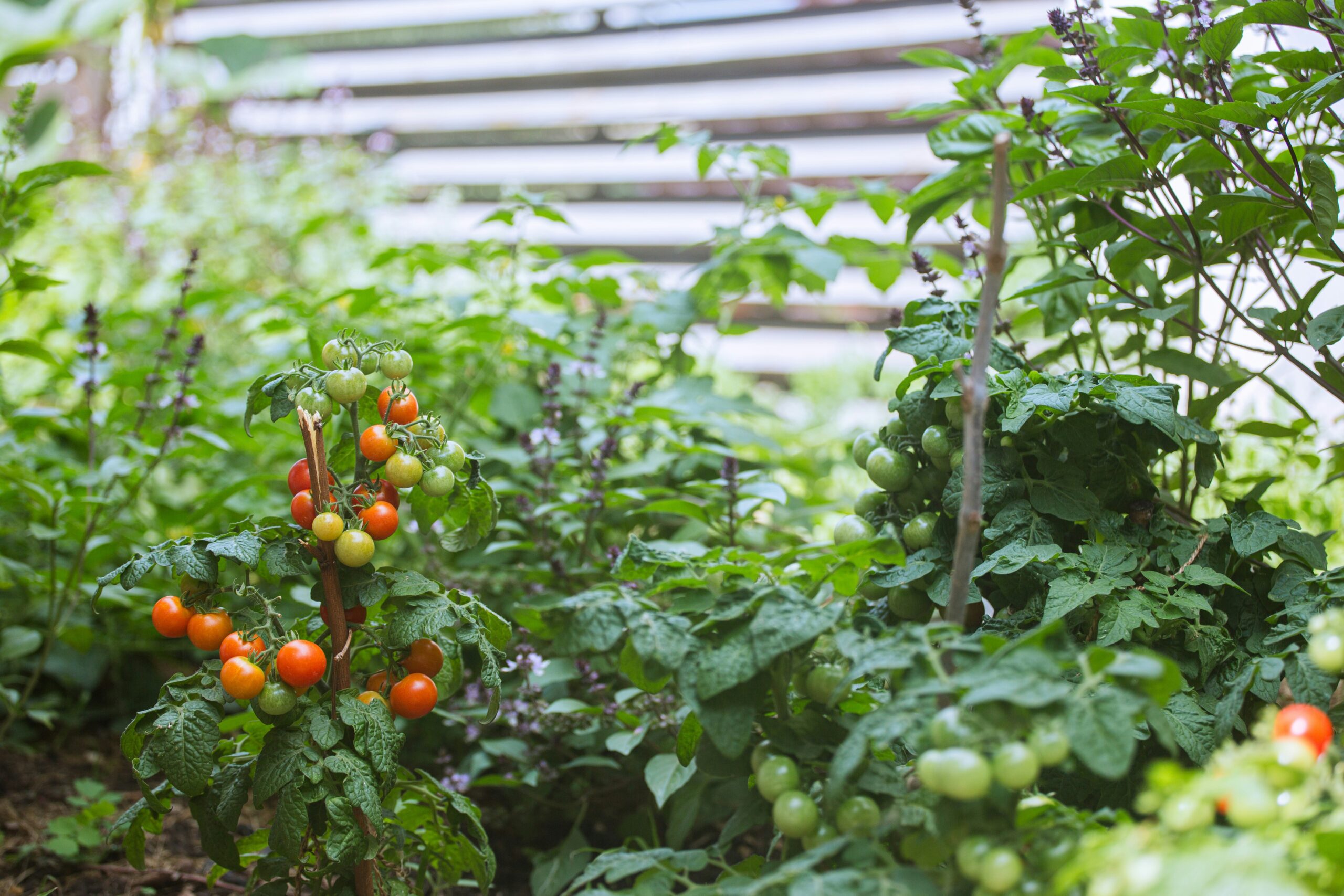
Some plants are much easier for beginners than others. Lettuce, radishes, green beans, tomatoes, zucchini, and herbs like basil and cilantro are all great places to start. Mint grows quickly and spreads, so give it its own pot.
Different plants grow best at different times of year, so check your seed packet or contact your local garden center or county extension office to find out what grows well in your area right now.
When you shop for seeds, look for packets labeled organic. A single packet often costs just a few dollars and can grow many plants. Seed swaps at libraries and community gardens are another low-cost way to try new varieties.
Plant and Water with Care
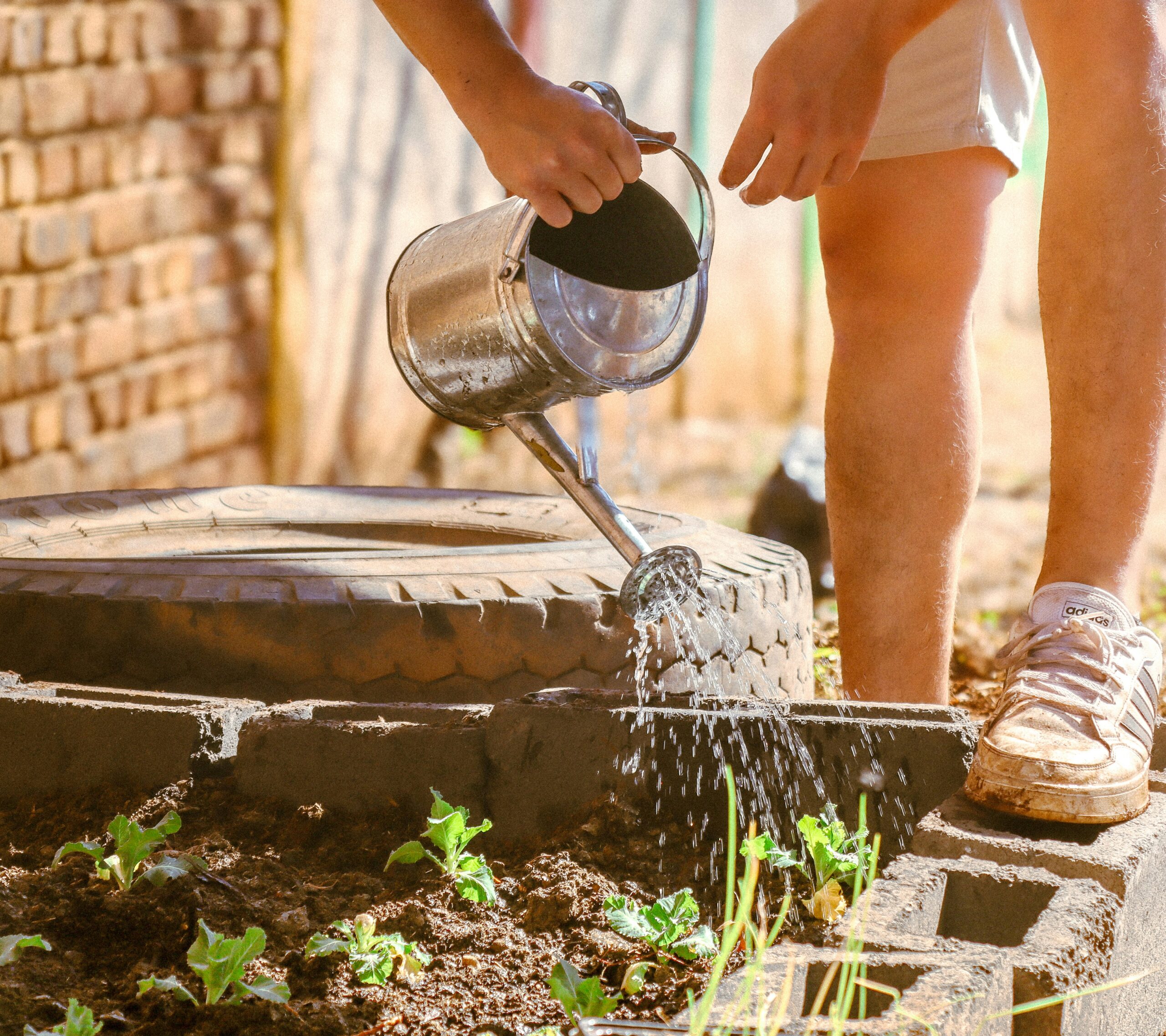
Follow the directions on the seed packet for how deep to plant and how far apart to space your seeds. Water deeply, but not too often. Early morning is the best time because it gives plants water before the heat of the day. After planting, spread a layer of mulch on top of the soil. Straw, dry leaves, or wood chips all work. Mulch helps the soil hold water and keeps weeds from taking over.
Handle Pests Naturally
Check your plants every few days. If you spot bugs, you can pick them off by hand or rinse them away with a gentle spray of water. Planting flowers like marigolds near your vegetables can bring in helpful insects like ladybugs that eat the pests for you. Healthy plants in healthy soil also handle pests better, so the work you put into your soil pays off. A few chewed leaves are normal. Your garden is part of a bigger living system.
Harvest and Enjoy
This is the best part. Pick your food when it is ready, and pick often. Many plants, like beans and herbs, keep producing more when you harvest them regularly. Fresh greens, tomatoes, and herbs from your own garden can add flavor to your meals and may help lower your grocery costs too.
Not Ready to Grow? Buy from Local Organic Farmers
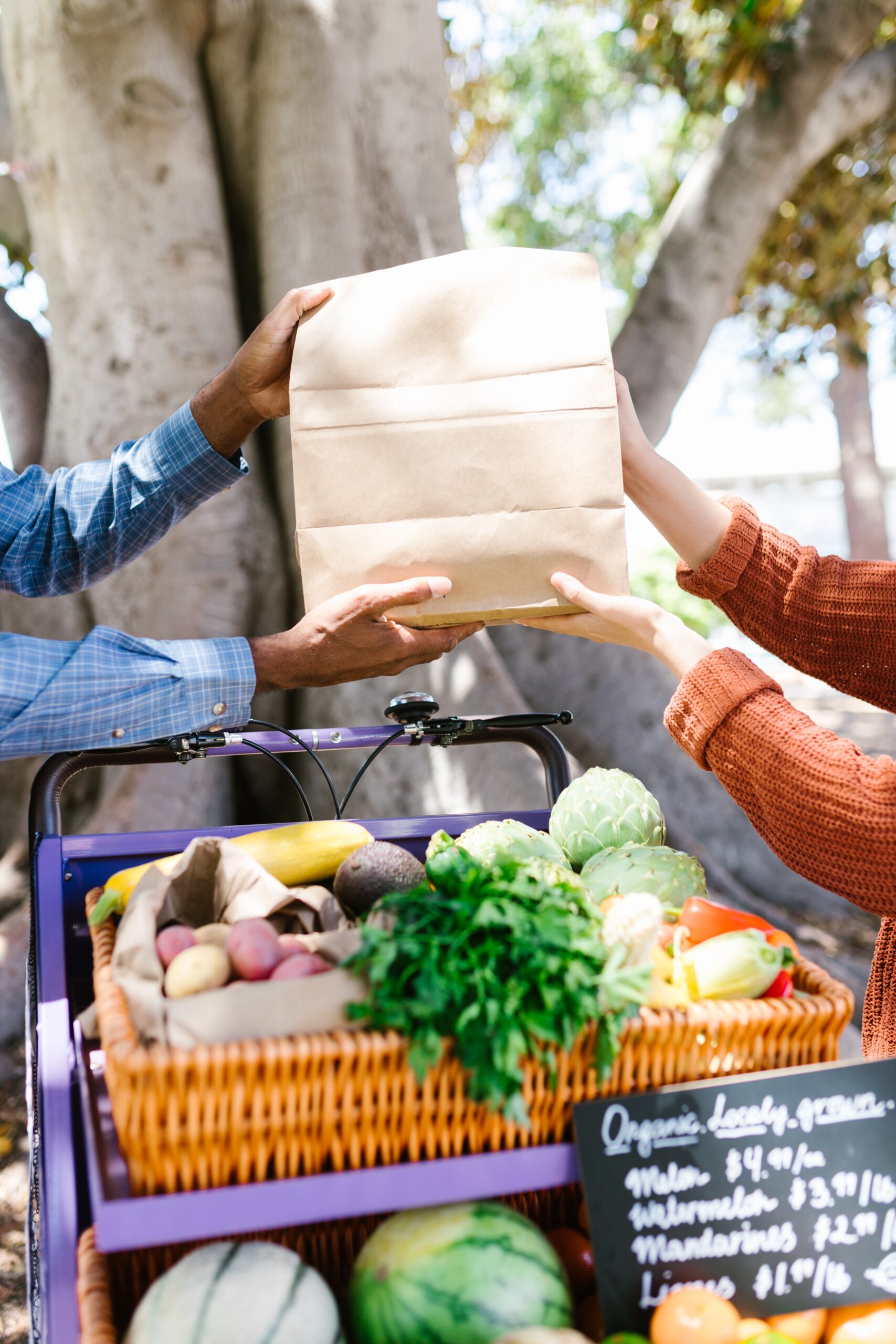
Maybe you do not have the space or time for a garden right now, and that is okay. You can still support organic by buying directly from local organic farmers. Visit CCOF’s Choose Organic page at ccof.org/organic to learn more about organic and find ways to bring more of it to your table.
Every organic garden starts with one small step. Pick a sunny spot, grab a few seeds, and give it a try.